Your Phone is Now a Coding Terminal
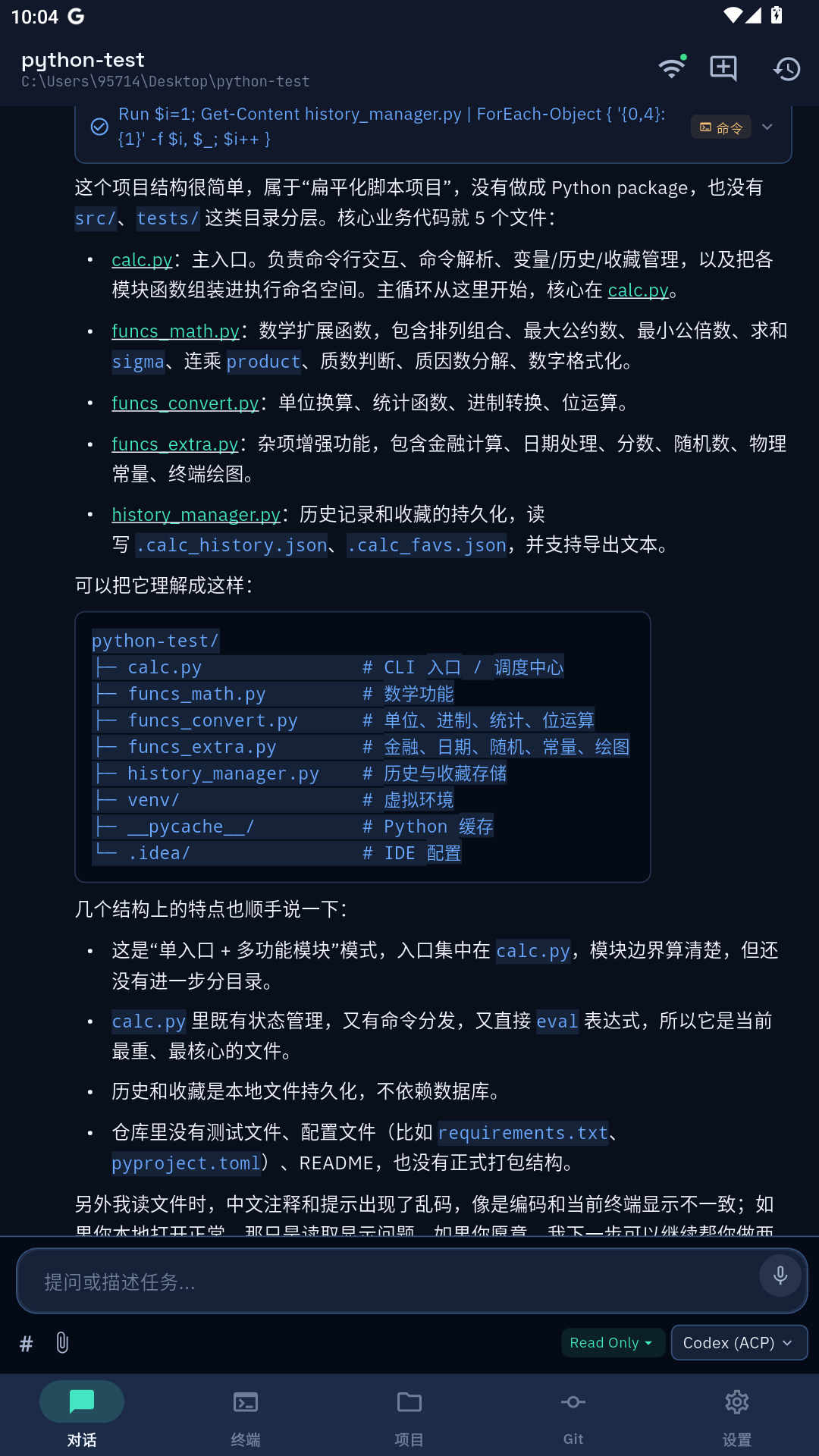
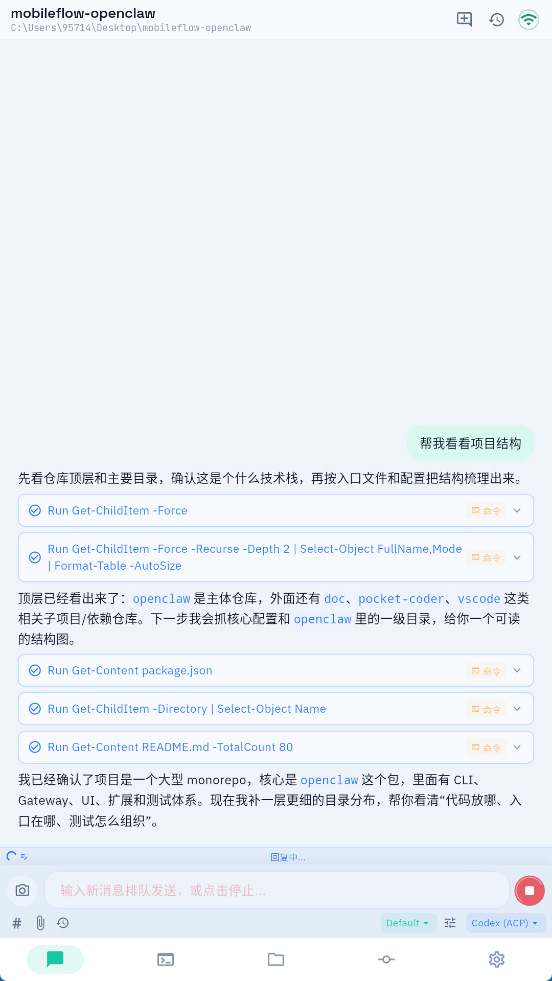
Chat with AI, edit files, run commands, manage Git — all from your pocket. Your code never leaves your machine.
Chat with AI, edit files, run commands, manage Git — all from your pocket. Your code never leaves your machine.
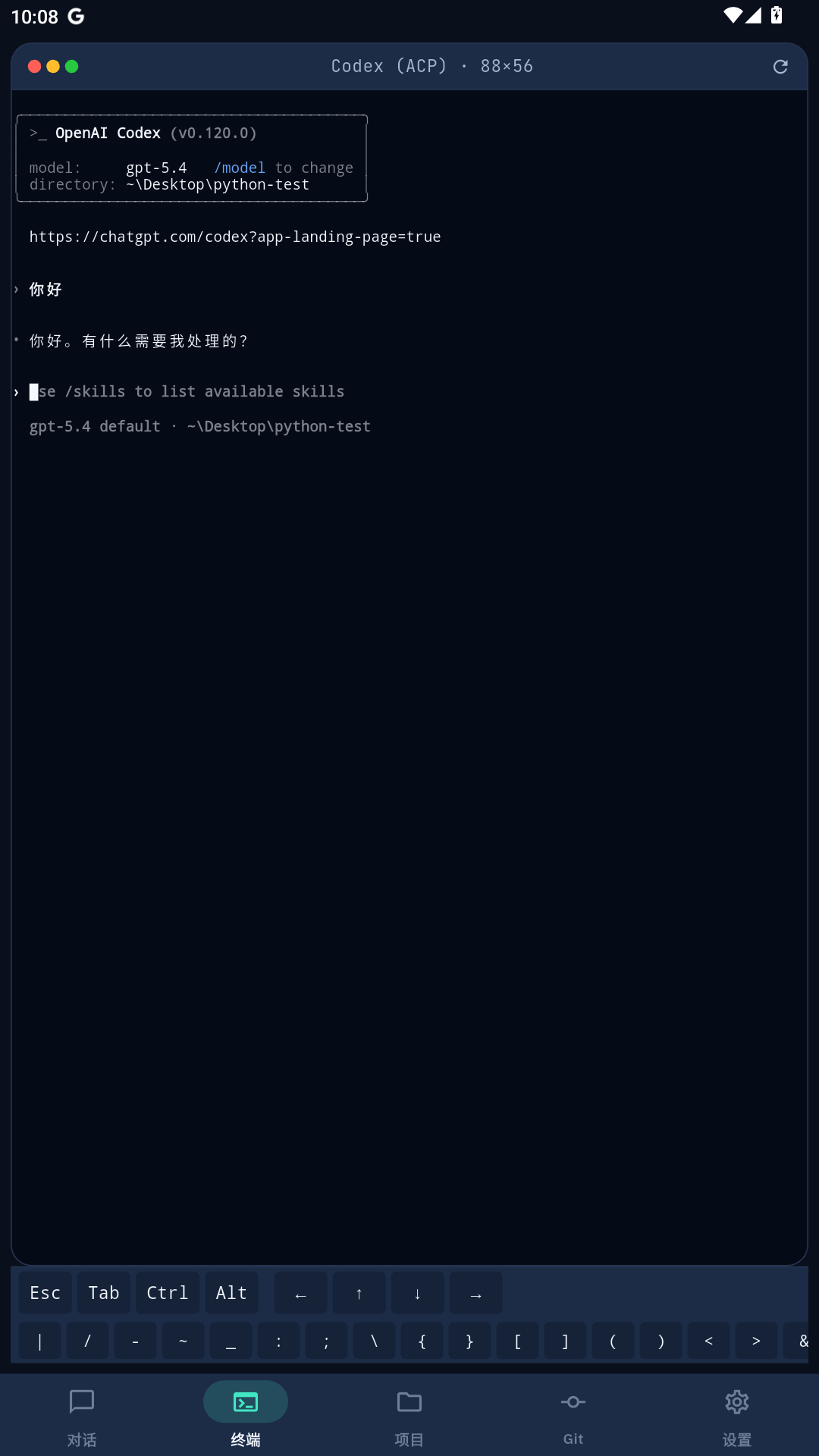
Claude Code, Codex, Gemini CLI, Kiro, GitHub Copilot — all in one mobile interface.
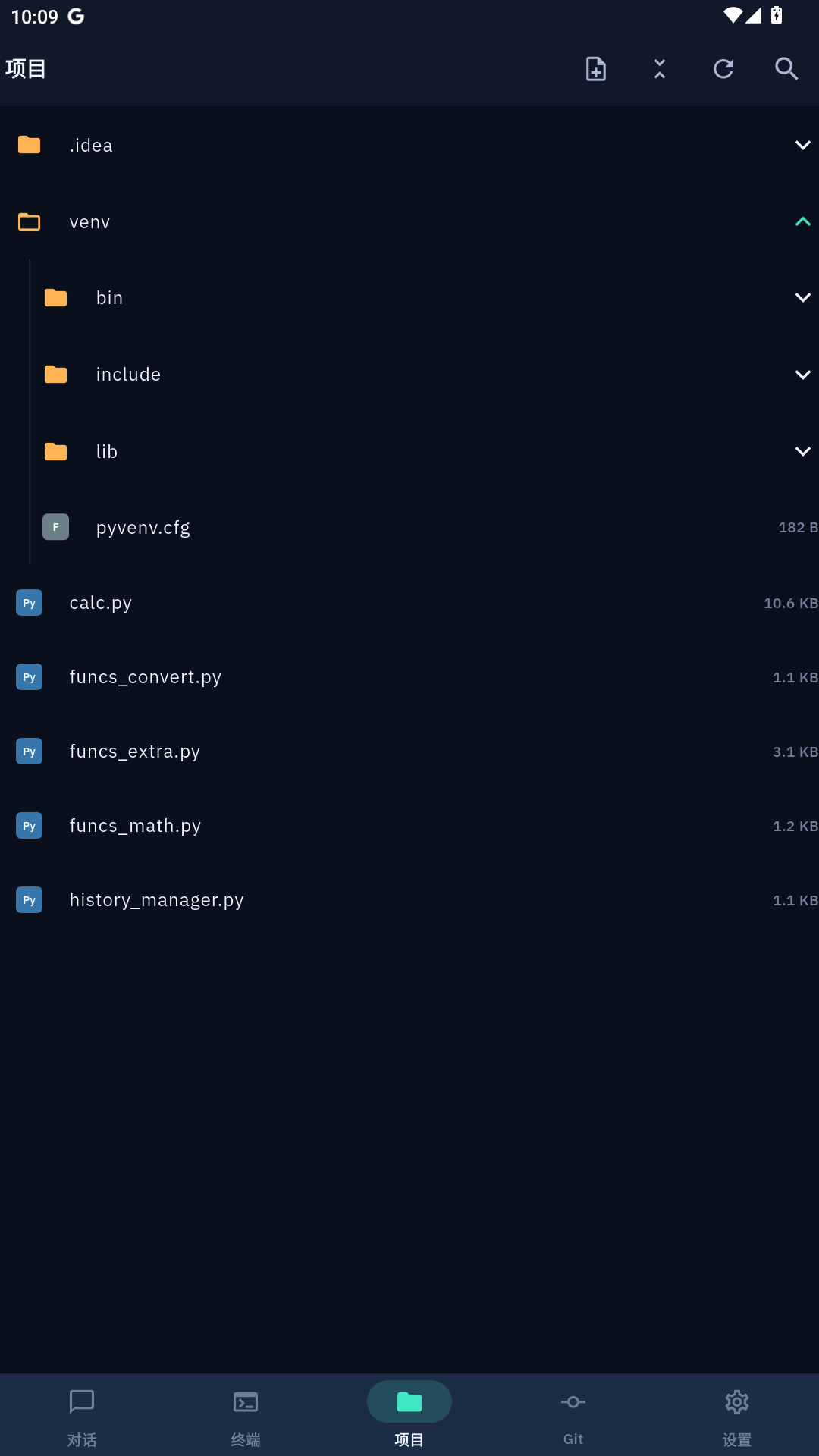
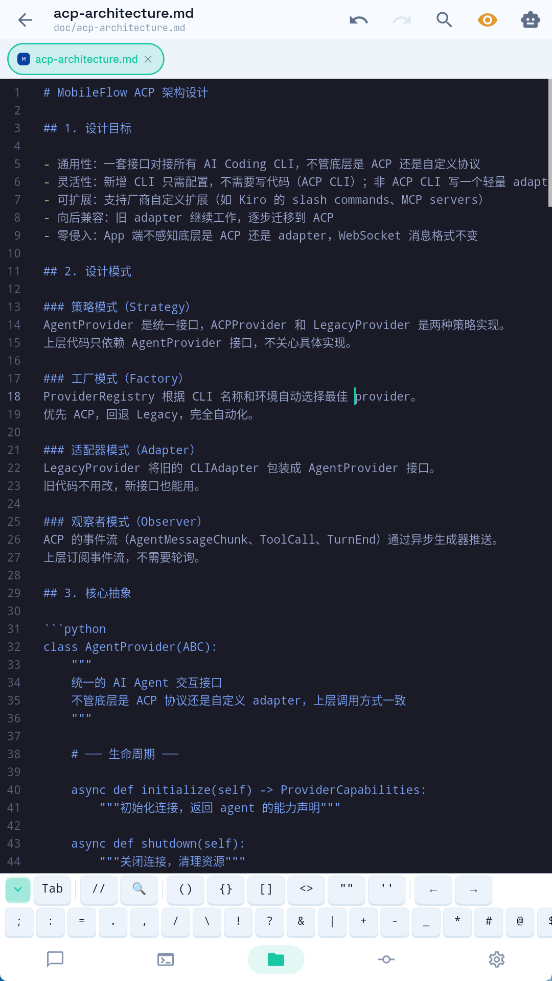
Browse your project, edit files with syntax highlighting for 100+ languages.
Run commands, see real-time output, Ctrl+C to cancel — just like on your desktop.
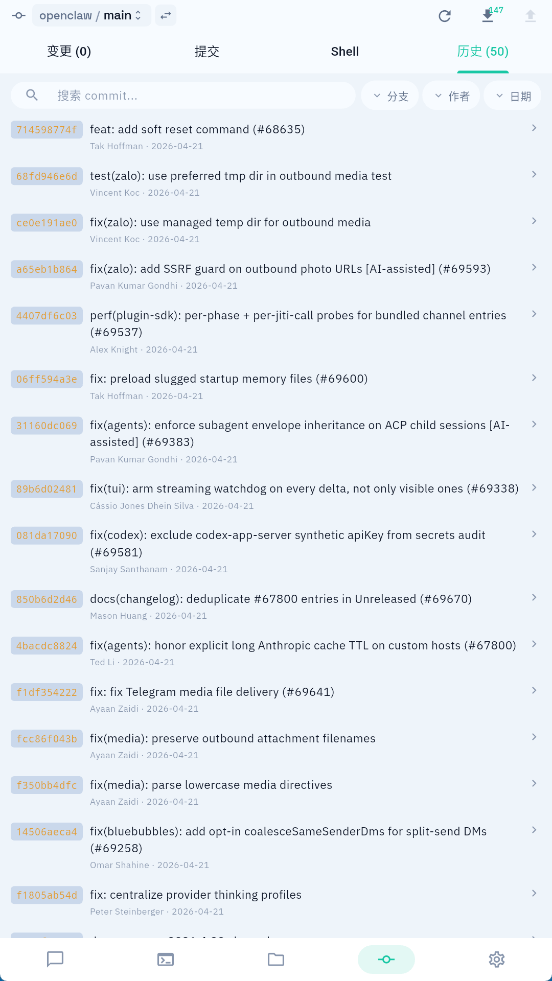
Diff, stage, commit, push, pull, switch branches — complete workflow from your phone.
See your web app running on desktop, rendered right on your phone.
AES-256 / NaCl encryption. Your code stays on your machine, always.
Download from Releases → run it → a tray icon appears with your IP and password.
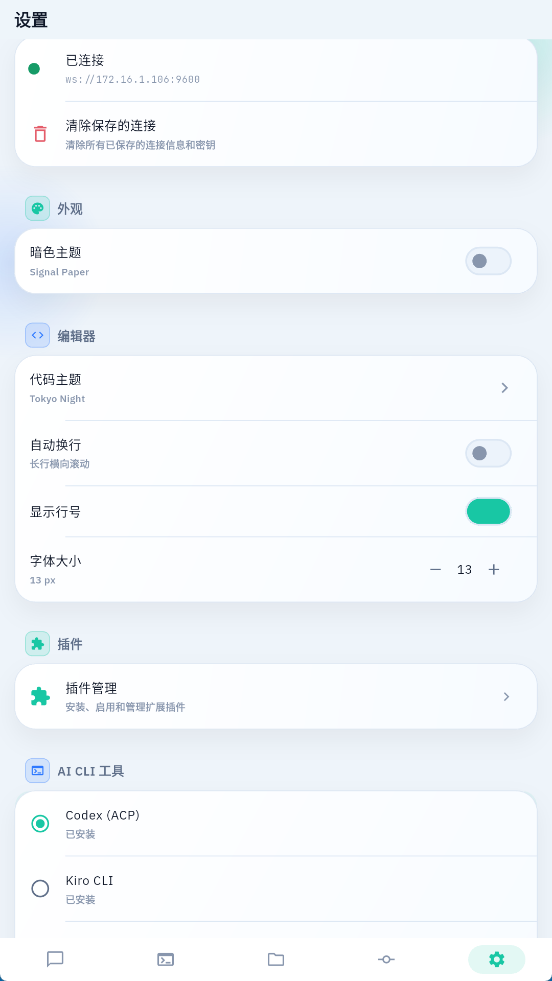
Download APK from Releases → install → enter IP, port 9600, and password.
npm i -g @anthropic-ai/claude-code (or Codex, Gemini CLI, Kiro, etc.)
Open the app, connect to your desktop, and code from anywhere.